CCTV System Cost Breakdown: Hardware, Installation, and Licensing
CCTV cost includes cameras, recorders, cabling, labor, and software. Understanding each line item helps you avoid hidden expenses and choose a system that fits your specific security needs.
- Total CCTV cost depends on camera count, resolution, storage needs, and labor rates.
- Installation often exceeds hardware costs when professional labor and cabling are included.
- Licensing fees for cloud storage or analytics can add recurring costs.
- A clear budget breakdown helps you compare quotes and avoid surprise charges.
- Choose between NVR, DVR, and VMS based on your scale and integration needs.
What Does CCTV Cost Include
CCTV cost is not just the price of cameras. It covers every item required to build a working video surveillance system. A professional quote should itemize hardware, cabling, installation labor, and ongoing licensing or subscription fees. If a vendor provides a single lump sum, ask for a line-by-line breakdown. This makes it easier to compare options and control scope creep.
The main categories are hardware (cameras, recorders, power supplies), infrastructure (cabling, mounting hardware, conduit), labor (survey, mounting, configuration), and software (licensing, cloud storage, analytics). Each category affects the final number differently. A system with ten cameras and local storage will cost far less than one with fifty cameras and cloud backup.
The distinction between capital expenditure and operational expenditure matters here. Capital costs cover the physical installation. Operational costs cover the electricity, software renewals, and storage subscriptions that continue after the system is live. Many buyers underestimate the operational side. The initial hardware purchase may be a one-time event, but the cloud storage subscription runs for the life of the system. When building a budget, separate these two columns. Do not mix them in the same line item.
There is also the cost of change management. If you plan to expand the system in three years, the current architecture must allow for it. A rigid setup may require a complete replacement when you add cameras. A modular setup allows you to buy new cameras and plug them into existing power and network infrastructure. This flexibility has a price tag, but it protects the long-term investment.
Hardware Costs: Cameras and Recording
Cameras are the most visible part of the budget. Price varies by type, resolution, and feature set. A basic fixed camera is cheaper than a PTZ unit, which can pan, tilt, and zoom. Resolution matters too. Higher pixel counts cost more and demand more storage.
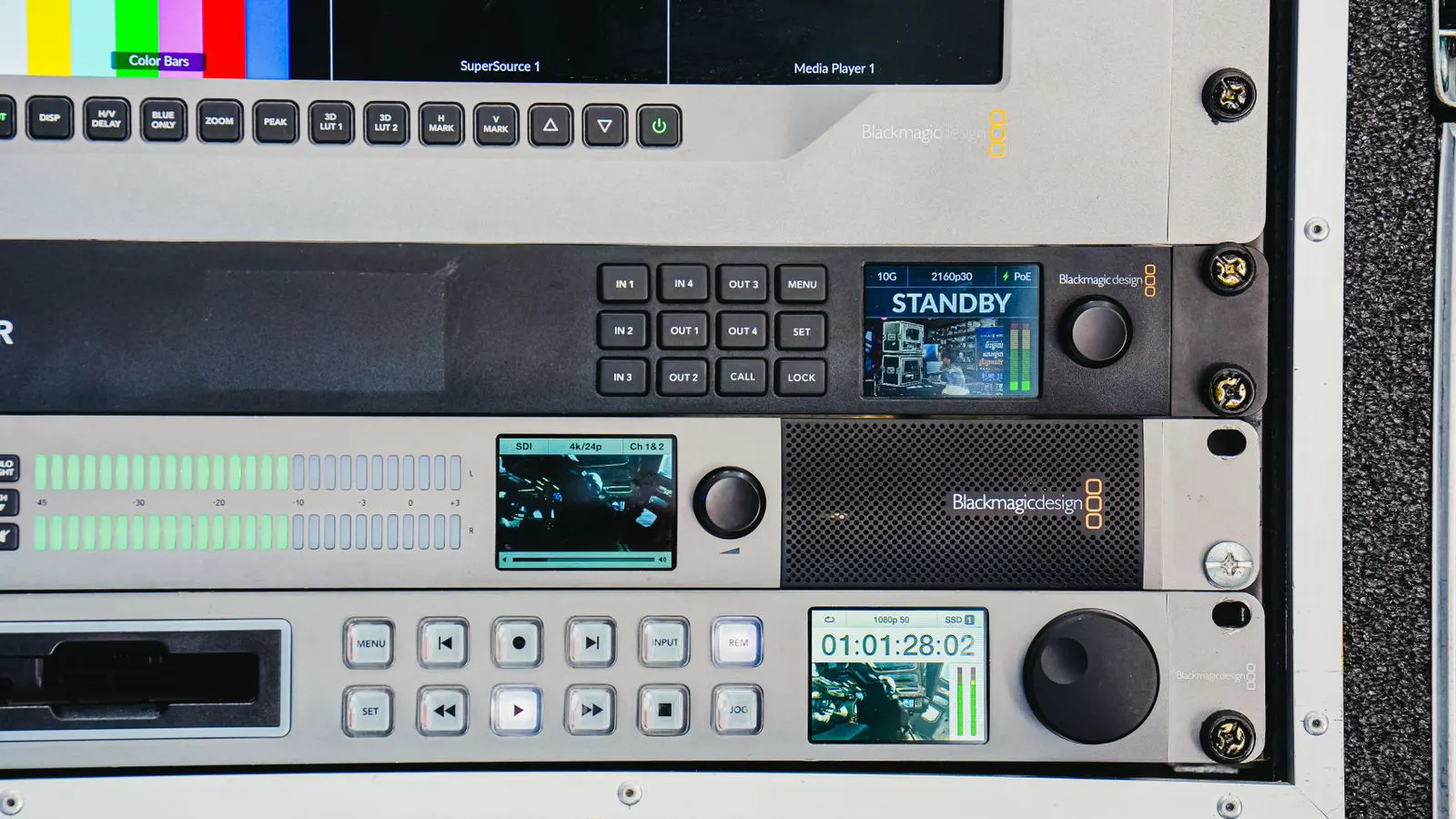
Recording devices come in several forms. A DVR is common for analog cameras. An NVR works with IP cameras and often includes a built-in switch. A video management server (VMS) suits larger installations and can handle multiple brands. The choice here changes both the upfront cost and the ease of future upgrades.
Power supplies and accessories add to the hardware line. PoE injectors, UPS units for power backup, and surge protectors are common. If the site has no power near the camera location, running dedicated power cables increases both material and labor costs.
| Cost Item | What It Includes | Notes |
|---|---|---|
| Cameras | Fixed, PTZ, bullet, dome units | Price depends on resolution and features |
| Recorders | NVR, DVR, or VMS hardware | Must match camera type and channel count |
| Cabling | Cat6, coax, power cables, conduit | Distance and environment affect length and type |
| Mounting | Brackets, pole mounts, pole bases | Weatherproofing is required for exterior use |
| Power | PoE switches, injectors, UPS | Redundancy adds cost but improves uptime |
Camera selection requires a balance between image quality and data rate. A 4K camera produces significantly more data than a 1MP camera. The storage requirements scale accordingly. If you choose high-resolution units for every location, your storage costs will rise sharply. Often, a high-resolution camera is needed only at specific points, such as the main entrance or the cash register. Surrounding areas can use lower-resolution fixed cameras to reduce bandwidth load.
PTZ cameras offer flexibility but come with higher hardware costs. They are useful for areas with wide coverage requirements, like parking lots or open warehouses. However, they require more processing power to handle the pan, tilt, and zoom functions. If the network bandwidth is limited, multiple PTZ units can strain the system. Fixed cameras are often more cost-effective for static views. They use less power and generate less data. They also require less maintenance because they have fewer moving parts.
Recording hardware selection depends on the camera count and the desired retention period. A small NVR can handle a few channels efficiently. As the camera count grows, the processing power of the NVR becomes a bottleneck. In large installations, a VMS server running on a powerful workstation or a virtual machine is often more scalable. It can handle hundreds of cameras and supports mixed technology. The cost of a VMS server is higher than a standard NVR, but it reduces the risk of being tied to a single vendor.
Installation and Labor
Labor is a major part of CCTV cost. A professional installer does more than hang a camera. They run a site survey, map cable routes, drill into walls, mount hardware, and test every channel. The survey step is critical. Skipping it often leads to wrong cable lengths, poor camera angles, or inaccessible units.
Indoor installations are usually faster than outdoor ones. Outdoor work involves pole mounting, waterproof enclosures, and longer cable runs. Conduit may be required in commercial spaces to protect cables. Labor rates vary by region and installer reputation. Some contractors charge by the hour, others by the project. Ask how they calculate the final number.
Configuration is part of the labor too. Setting up recording schedules, motion zones, and user accounts takes time. If the system needs to integrate with access control or alarms, that integration adds hours to the job.
The site survey determines the physical layout. The installer walks the site, identifies camera positions, and measures distances to the nearest power and network points. They note obstructions, such as beams, ducts, or existing cabling. They also assess the lighting conditions. A camera in a dark area needs a different lens or infrared range than one in a brightly lit corridor. This assessment prevents buying the wrong hardware.
Cable routing is a significant part of the labor. In a new build, cables can be run through conduits in the walls and ceilings. In an existing building, the installer may need to run cables through chases or along the floor. This requires careful planning to avoid damaging existing infrastructure. In exterior installations, cables often run through buried conduit or along the building exterior. This requires permits and careful digging to avoid hitting utilities.
Mounting requires precision. A camera that is too high cannot capture facial features. A camera that is too low may be easily tampered with. The installer must set the height and angle to match the security objective. They also need to ensure the mounting bracket is secure. A loose camera can fall, causing damage and security breaches.
Testing is the final stage. The installer connects every camera to the NVR or VMS. They verify that each channel is live. They check the image quality, focusing, and color balance. They also test the motion detection zones. If the system is integrated with other devices, they verify the communication between them. This testing phase identifies any issues before the system is handed over.
Licensing and Software Costs
Many modern systems require software licensing. Basic NVRs often include a license for a limited number of channels. Expanding beyond that limit costs extra. Some vendors sell annual renewals. Others offer perpetual licenses at a higher upfront price.
Cloud storage and analytics are common recurring costs. If you store video in the cloud instead of on local drives, you pay per camera or per gigabyte. AI features like face recognition, license plate reading, or object detection often come as add-on modules. These features increase the initial license fee and may require more powerful hardware.
Ask about support contracts. Some vendors include one year of support and charge more for extensions. Remote monitoring services can be bundled into a monthly fee. Make sure the contract states what happens if you stop paying. Do not assume access to recorded footage will continue.
The choice between on-premise and cloud storage drives a significant portion of the long-term cost. On-premise storage relies on local hard drives. You buy the drives once and replace them every few years. Cloud storage requires a monthly subscription. The price per camera varies by provider and storage tier. Cloud storage offers the advantage of off-site redundancy. If a local drive fails, the cloud copy is still available. However, cloud storage requires a stable internet connection. If the internet goes down, you stop recording.
Analytics software adds complexity and cost. Basic motion detection is usually included with the camera. Advanced analytics, such as person detection, vehicle classification, or intrusion zones, require specific hardware and software licenses. These features can reduce false alarms by filtering out movement from trees or animals. They also provide actionable data, such as the number of people entering a store. This data can be useful for business intelligence, but it requires careful handling of privacy laws.
Support contracts are often overlooked in the initial budget. If the system fails, you need someone to fix it. A local installer may offer a service contract. A cloud provider may offer remote support. The terms of these contracts are important. They define the response time, the scope of work, and the cost of extensions. If you do not have a support contract, you may have to deal with technical issues yourself or hire a different vendor, which can be expensive.
Storage and Network Considerations
Storage is a hidden cost that grows over time. You need enough hard drives to hold the video you require. Retention period matters. Keeping footage for thirty days costs more than keeping it for seven. Drive capacity and write speed determine the number of drives needed.
IP cameras run over a network. The switch must handle the bandwidth for all cameras. A cheap switch may drop frames or crash under load. PoE switches power cameras over the same cable, which simplifies wiring. If the network is already in place, installation costs drop. If new cabling is needed, the cost rises.
For large sites, a VMS may be more cost-effective in the long run. It centralizes management and supports mixed camera types. The upfront cost is higher, but it reduces the need to replace the whole system when you change vendors.
The storage calculation depends on the total data rate of all cameras. You multiply the bitrate of each camera by the number of hours you want to keep footage. This gives you the total data size required. You then divide that by the capacity of each hard drive to find out how many drives you need. You must also consider the write speed. If the drives cannot keep up with the data rate, frames will be dropped. Surveillance drives are designed for continuous writing. Standard desktop drives are not suitable for this purpose. They may fail quickly.
Network architecture affects the system performance. If the cameras are far from the NVR, you may need a managed switch to handle the traffic. A managed switch allows you to prioritize video traffic over other network data. This prevents video lag if other users are streaming video or downloading files. If the site has a large bandwidth requirement, a dedicated network for the cameras may be necessary. This isolates the video traffic and improves reliability.
Power over Ethernet simplifies the wiring. It sends power and data over a single Cat6 cable. This reduces the number of cables needed and the cost of power distribution. However, the distance is limited. Standard PoE power typically reaches 100 meters. If the camera is farther away, you may need a PoE extender or a separate power cable. This adds cost and complexity.
Budgeting for Different Site Types
A retail store has different needs than a warehouse. The store may need a few high-resolution cameras at the entrance and till. The warehouse may need wide-angle cameras covering large floor areas and a higher retention period for incident review. A residential system might use a small NVR and a few fixed cameras. A corporate campus may use a VMS with dozens of cameras and integration with door access.
Outdoor sites add complexity. Poles, lighting, and weatherproofing increase costs. If the site is not easily accessible, labor rates go up. A remote farm installation may require a cellular backup link for internet if the main line is down. That backup adds hardware and monthly service fees.
The site type dictates the security objective. In a retail environment, the goal is often to deter theft and identify suspects. This requires clear views of the entrance and the point of sale. In a warehouse, the goal may be to monitor goods and prevent internal theft. This requires wide coverage of the storage areas and a longer retention period for investigation. In a residential setting, the goal is to deter break-ins and provide evidence if an incident occurs. This requires good coverage of the perimeter and the main entry points.
Outdoor installations face harsher conditions. The cameras must be rated for outdoor use. They need to withstand rain, dust, and extreme temperatures. The cabling must be rated for outdoor burial or exterior mounting. The mounting hardware must be corrosion-resistant. These requirements increase the hardware costs. They also increase the installation labor because the work is more difficult and time-consuming.
Remote sites present unique challenges. If the site has no fixed internet connection, you may need a cellular router to transmit the video. This adds a monthly service fee. If the site has no power, you may need a solar panel and battery bank to power the system. This adds significant hardware costs. These solutions are more expensive than standard installations, but they are necessary for locations where standard infrastructure is unavailable.
How to Compare Quotes
When you receive multiple quotes, do not just look at the total price. Compare the line items. One quote may include a site survey and the other may not. One may list standard cables and the other may include premium weatherproof types. Check if the quote includes configuration, testing, and warranty.
Ask for a bill of materials. It should list every camera model, drive size, and cable length. This lets you verify the scope. If a quote is significantly lower than others, ask what is missing. Sometimes the low price excludes cabling, labor, or licensing. Those costs appear later and can surprise you.
A clear CCTV budget starts with a defined scope. Know how many cameras you need, where they will sit, how long you must keep footage, and whether you want cloud or local storage. With that information, you can build a realistic estimate and compare quotes on equal terms.
A detailed bill of materials is the best tool for comparison. It lists the specific models of cameras, switches, and drives. It includes the length of cabling and the type of conduit. It lists the labor hours for each phase of the installation. If one quote lists a generic camera model and another lists a specific model, ask for clarification. Generic models can be ambiguous. Specific models allow you to verify the performance and compatibility.
Warranty terms are another key factor. Some vendors offer a one-year warranty. Others offer a three-year warranty. The warranty covers the hardware, but not the labor. If a camera fails after one year, the vendor may replace the camera, but you may have to pay for the labor to replace it. Ask about the warranty on the installation work. Some installers guarantee their work for a specific period.
The total cost of ownership is the real measure of value. It includes the initial purchase, the installation, the software licenses, the storage, and the maintenance. When comparing quotes, look at the total cost over five or ten years. A cheaper initial quote may lead to higher long-term costs if it requires frequent upgrades or has limited support. A more expensive initial quote may save money in the long run if it is more flexible and reliable.
Frequently asked questions
How much does a single camera cost?
A single camera can range from a few hundred dollars for a basic fixed unit to several thousand for a high-end PTZ model. The price depends on resolution, lens type, and features.
Is installation always more than the hardware?
Not always. For small systems with existing cabling, hardware may cost more. For larger outdoor installations, labor and cabling often exceed the hardware price.
Do I need a site survey before buying?
Yes. A survey identifies cable routes, power sources, and mounting points. Skipping it often leads to extra work and higher costs later.
Can I install a CCTV system myself?
It is possible for small indoor systems. You will need basic electrical and network skills. Professional installation is recommended for outdoor or complex sites.
What is the difference between NVR and DVR?
An NVR records from IP cameras and often includes a switch. A DVR records from analog cameras and usually requires a separate switch for the network.